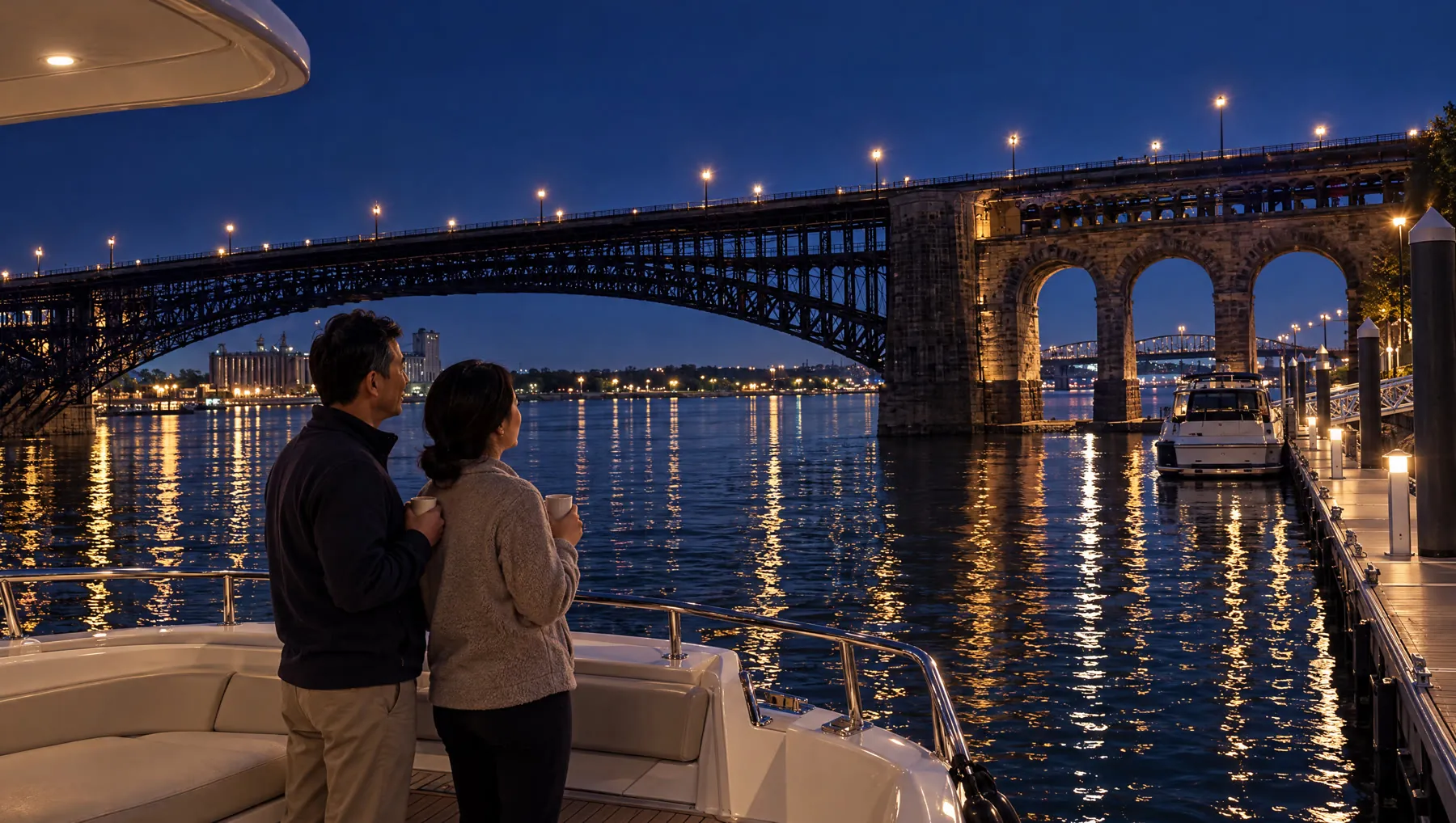
David's Dock, as a deck.
A pitch for a calm, family yacht dock on the St. Louis riverfront: monthly slips, coffee on deck, a livelier and safer river walk. Click a slide.
A mock-up of the planned Deck view, built for this page. The pictures are the client deck's current, on-brief set.
What you see is what ships.
A link that plays the deck
A small web page with the deck's animations: arrow keys, swipe, deep links to a slide. Publish it to your own Netlify, with a password if you want one.
An MP4 of the same deck
The same runtime, captured frame by frame, with the voice-over and music mixed by Kimena's own render. For email, social and screens.
A deck is a version
History, compare, restore, notes and sending to your AI assistant work on decks exactly as on cuts.
✨ and transitions
Type & Fill text with one-click Animate, and transitions from the presets library.
Brand kits
Masters, fonts and colours per client, with a guard that keeps off-brand moves out.
Bring your decks
Open the HTML decks you already make; slides become clips on a slide track.
Status: designed, not built. The first milestone opens an existing deck, edits it and publishes a link; MP4, presets and brand masters follow. Beta users will see it first.